FieldView + Deere Side by Side: Building Cross-Provider Agronomic Workflows with FieldMCP
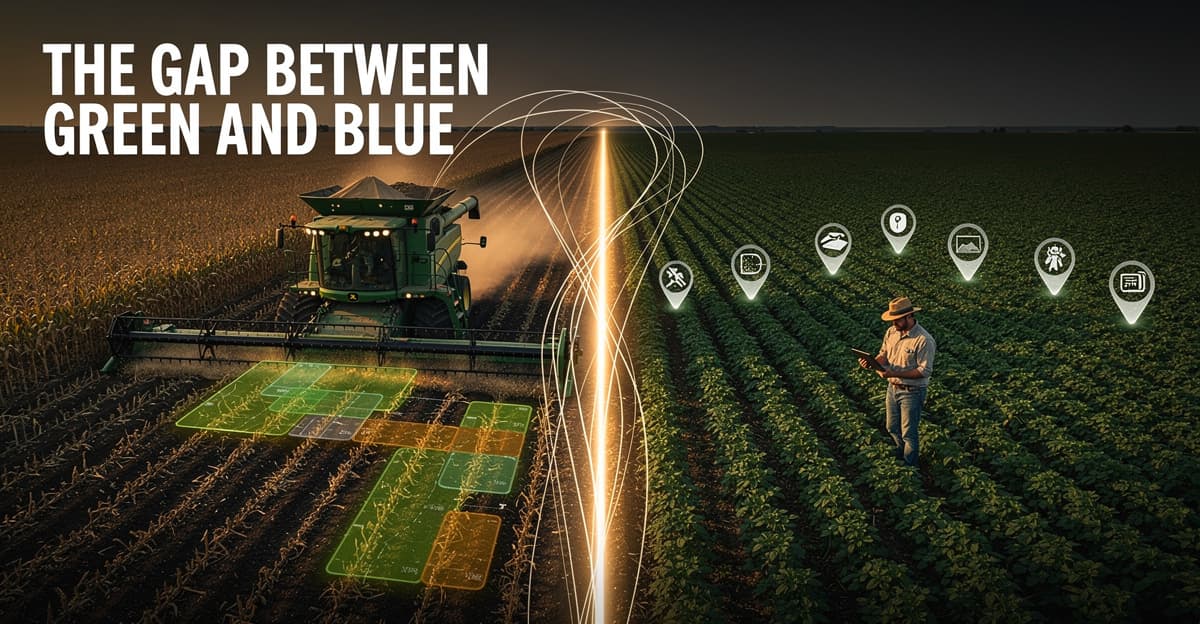
Here's a scenario that comes up constantly in ag software: a grower uses John Deere equipment with Operations Center for planting and harvest, but their agronomist pushes them toward Climate FieldView because of its scouting and imagery features. Now you have operational records in one place and agronomic context in another. Neither platform talks to the other. Your tool has to stitch it together, and doing that usually means building two separate integrations and writing your own merge logic.
This post is about a different approach. Instead of treating FieldView and Deere as competing integrations, you can build a single workflow that pulls from both, and then run real analysis on the combined picture. That's the actual unlock here: not just data access, but what you can do with it once it's in one place.
Why These Two Providers Keep Showing Up Together
Climate FieldView has been around since 2006, which puts it among the oldest platforms in the digital ag space. It was built for field-level monitoring: in-season imagery, scouting records, boundary management. John Deere Operations Center grew from the machine side, pulling in equipment telemetry, planting as-applied maps, and harvest data straight off the combine.
In practice, a lot of operations run both. The combine is green. The agronomist logs scouting notes in FieldView. The data never crosses the gap unless someone manually exports and re-imports CSV files, which nobody does consistently.
The boundary problem makes this worse. The same physical field might exist under slightly different names and geometries in each platform. Leaf's API solves this with boundary merging and canonical field IDs (explained in detail in their boundary management documentation). That's the foundation that makes cross-provider queries tractable at all.
What a Combined Workflow Actually Looks Like
Let's say you want to answer a question like: "For fields where we planted late last season, how did harvest yields come out?" That question requires planting dates, harvest yields, and the ability to match them to specific fields. If planting came off the Deere monitor and yield data is in FieldView, you need both.
With FieldMCP, you start with a field list and then pull operations. Here's what the Deere side of that looks like:
// Step 1: Get your org
{
  "resourceType": "organizations"
}

// Step 2: List fields in that org
{
  "resourceType": "fields",
  "orgId": "your-org-id"
}

// Step 3: Pull planting and harvest records for a specific field
{
  "orgId": "your-org-id",
  "fieldId": "your-field-id",
  "operationType": "harvest",
  "dateRange": {
    "startDate": "2024-09-01",
    "endDate": "2024-12-01"
  }
}
That last call hits deere_search_operations and returns harvest records including yield per acre, moisture at harvest, and crop type. Then you can pull planting records the same way with operationType: "planting" to get seeding rate, variety, and planting date.
The field overview call ties it together:
{
  "orgId": "your-org-id",
  "fieldId": "your-field-id",
  "include": ["details", "boundary", "operations"],
  "operationsDateRange": {
    "startDate": "2024-03-01",
    "endDate": "2024-12-01"
  }
}
That's deere_get_field_overview. It returns a canonicalFieldId when the field has been synced through Leaf. That ID is what lets you match Deere records to FieldView records for the same physical acres.
Where the Analysis Layer Comes In
Raw operations data tells you what happened. It doesn't tell you why, or what to do next. That's where the intelligence tools matter.
Once you have field details and yield history pulled from operations records, you can feed them directly into intel_diagnose_field. This is where a cross-provider workflow starts pulling real weight. You're not just displaying data from two platforms: you're running agronomic analysis on the combined picture.
{
  "fieldId": "canonical-field-id-from-leaf",
  "fieldName": "North Quarter",
  "crop": "corn",
  "targetCropYear": 2025,
  "yieldHistory": [
    { "year": 2024, "bushelsPerAcre": 187, "crop": "corn" },
    { "year": 2023, "bushelsPerAcre": 201, "crop": "corn" },
    { "year": 2022, "bushelsPerAcre": 174, "crop": "soybean" }
  ],
  "rotationHistory": {
    "fieldId": "canonical-field-id-from-leaf",
    "history": [
      { "year": 2024, "crop": "corn", "tillage": "no_till" },
      { "year": 2023, "crop": "corn", "tillage": "minimum" },
      { "year": 2022, "crop": "soybean", "tillage": "no_till" }
    ]
  }
}
The yield history you pass in comes from what you pulled across both providers. The canonicalFieldId keeps it all pointing at the same physical ground. See the diagnose-field docs for the full input schema and what the diagnostic rules actually evaluate.
The Part That's Easy to Miss
Most developers building ag integrations focus almost entirely on data retrieval. Get the fields. Get the boundaries. Get the operations. That's necessary but it's only half the picture.
The interesting work happens when you actually use the data. Planting window decisions, late-season yield drags, back-to-back corn rotations with soft harvest conditions: these are things an agronomist thinks about across a season, across providers, across years. The data to reason about them exists. It's just scattered.
A cross-provider setup with Leaf giving you canonical IDs, Deere giving you operational records, and FieldView filling in agronomic context means you can build tools that actually reason at that level. An LLM with access to that data and the right tool schemas can answer questions that used to require someone to manually pull reports from three different browser tabs.
That's not marketing. That's just what structured farm data makes possible once the plumbing is in place. The FieldMCP quickstart will get you connected fast if you want to see it working with your own data.
The next concrete step: get a Leaf API token, connect your FieldView and Deere accounts, and run a deere_get_field_overview call with include: ["details", "boundary", "operations"] on one of your fields. Look at the canonicalFieldId in the response. That ID is your bridge between providers. Everything else follows from there.